Organize groceries with Siri and Apple Shortcuts
Turn routine shopping tasks into shortcuts. Just Groceries offers actions for adding items, opening lists, and checking off groceries through Apple’s Shortcuts app and Siri.
Download for FreeWhy use it?
- Add a grocery item through a shortcut instead of finding it manually in the app.
- Open the list you need as part of your own workflow.
- Combine Just Groceries actions with other actions in Shortcuts.
How to get started
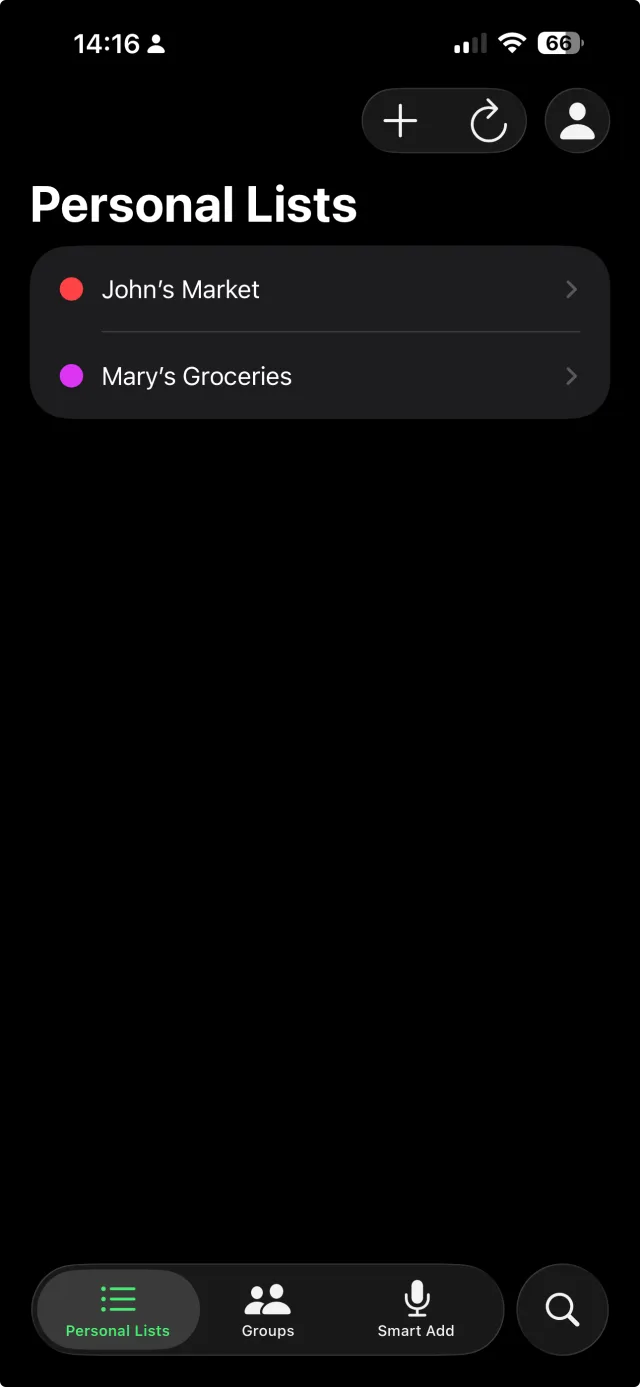
- Install Just Groceries, sign in, and create a list with categories.
- Open Apple’s Shortcuts app and create a shortcut.
- Find Just Groceries actions, choose an action, and configure its list, category, or item parameters.
- Give your shortcut a memorable name, then run it in Shortcuts or ask Siri to run it.
What you need
Shortcuts need access to your Just Groceries account and existing list data. Actions involving groups or Smart Add require Pro. Siri and action availability depend on the device and OS.
Frequently asked questions
Is Smart Add the same as a Siri shortcut?
Smart Add is a Pro feature that parses multiple grocery items. Shortcuts also offers individual actions, such as adding one item or opening a list. Choose the action that fits your task.
Can I customize the command?
Yes. Name your own shortcut and configure its actions in Shortcuts. Ask Siri to run that shortcut by its name.