Your grocery list on Apple Watch
Keep your phone in your pocket while you shop. Just Groceries on Apple Watch lets you consult your grocery list and mark items from your wrist.
Download for FreeWhy use it?
- Keep the list within reach when you are carrying a basket.
- Check off groceries as you move through the store.
- Use the same grocery lists you organize on your Apple devices.
How to get started
- Install Just Groceries on your iPhone and compatible Apple Watch.
- Sign in and create your grocery list in Just Groceries.
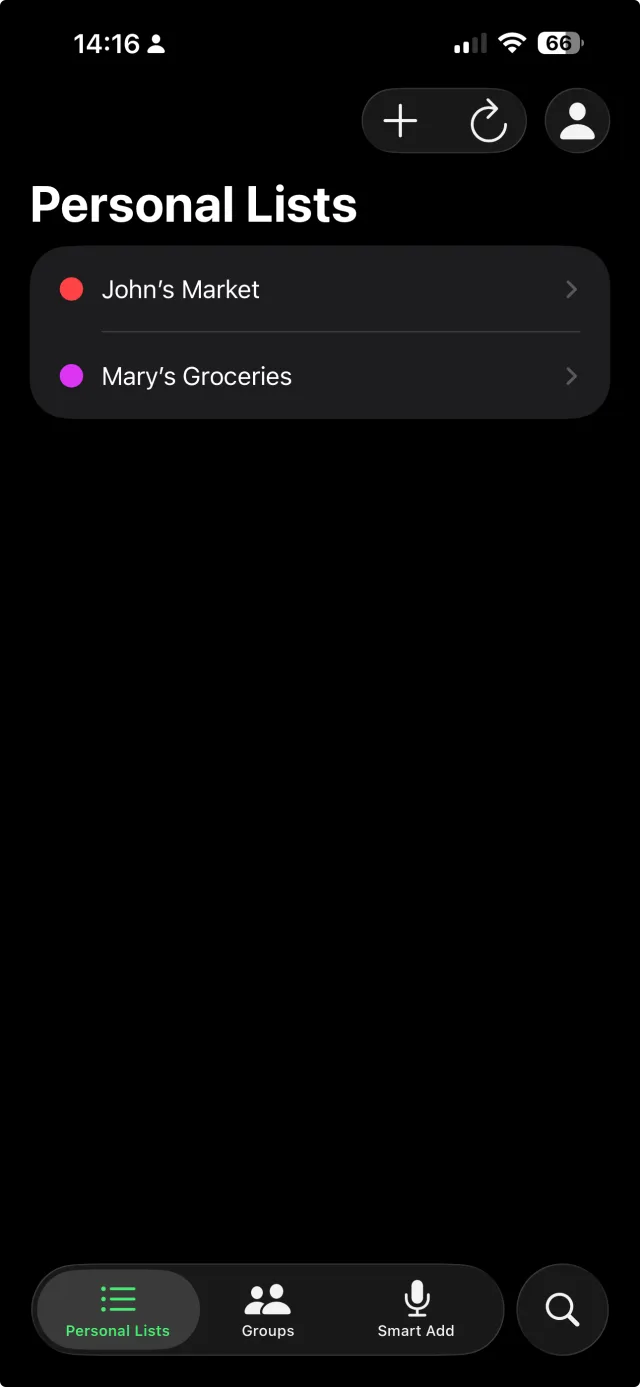
- Open the watch app and select the list you want to shop from.
- Mark items as you put them in your cart.
What you need
You need a compatible Apple Watch and the Just Groceries watch app. Check the App Store for current OS requirements. Shared group lists require Pro.
Frequently asked questions
Can I use shared lists on the watch?
Shared group lists are a Pro feature. Use the watch app with your signed-in Just Groceries account to access your available lists.
Does this replace the iPhone app?
The watch app is a convenient shopping companion. Use your iPhone or another supported Apple device to plan and manage your groceries.