A shared grocery list for families and roommates
Keep everyone’s grocery plans in one place. Just Groceries Pro brings shared lists and groups to your Apple devices, so you can coordinate the next shopping trip.
Download for FreeWhy use it?
- Collect grocery needs in the same list instead of scattered messages.
- Organize lists by household, family, or another group.
- See changes as members add or check off items while connected.
How to get started
- Download Just Groceries and sign in to your account.
- Open Groups and use Pro to create a group for your household.
- Share the group invitation with the people you shop with.
- Create a list in the group, add groceries, and check items off as you shop.
What you need
Groups and shared lists require an account and Pro. Internet access is needed to exchange updates. Subscription prices and terms are shown in the app.
Frequently asked questions
Can I keep personal lists as well?
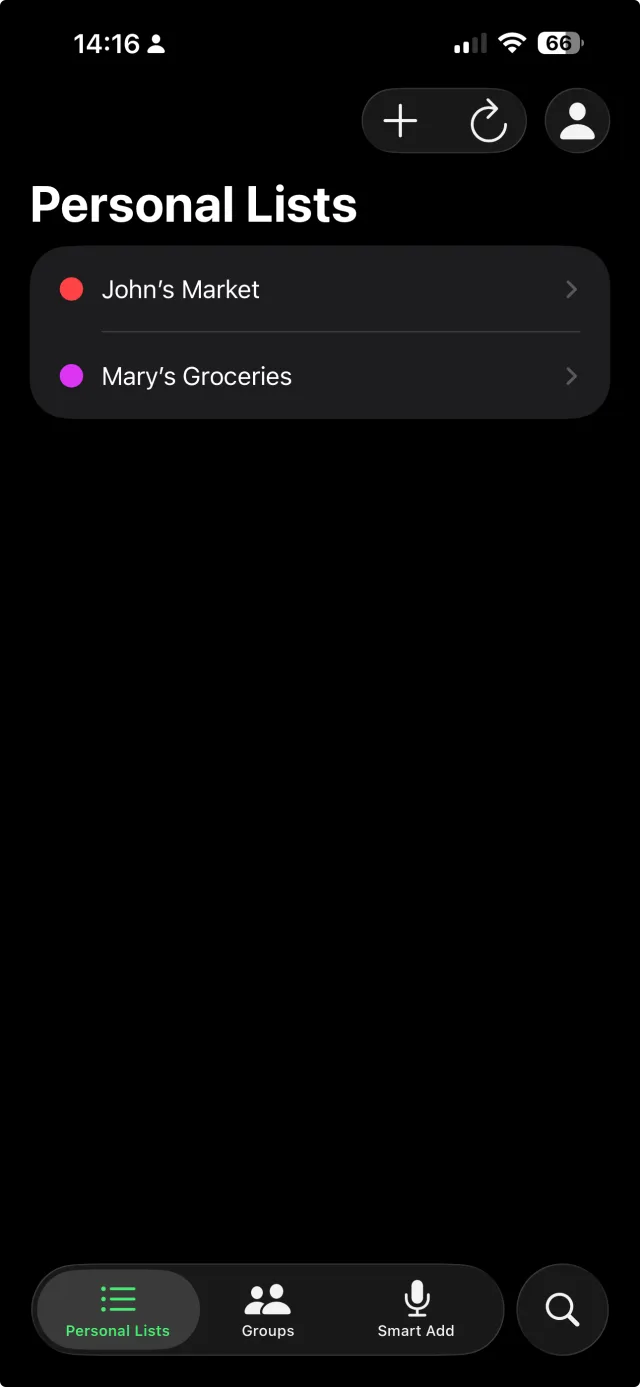
Yes. Personal lists and group lists are separate, so you can organize your own groceries alongside household shopping.
How do I invite someone?
Open your group and use its invitation details. The recipient signs in and joins the group through the app. Groups are a Pro feature.